24/7 gateway on device
Background service (Android foreground, iOS background). Same WebSocket protocol and config format as OpenClaw. Embedded localhost server for external tools.
The OpenClaw gateway ported to mobile: it runs entirely on your device (Android and iOS). Same gateway and agent as OpenClaw—not a thin client. The full runtime, channels, tools, and agent orchestration run on the device.
Standalone AI assistant for Android and iOS — the full OpenClaw gateway and agent runtime, running entirely on your phone.
iOS via TestFlight. Android via Google Play — register the Google account you use on your phone.
Mobile port of the OpenClaw gateway. Not an official OpenClaw project.
Two steps: register with the Google account you use on Play, wait until you’re approved as a tester, then complete the test opt-in in Google Play.
Closed testing on Google Play — we invite you when we can.
Step 1 Register
Submit the same Google account you use in the Play Store. We’ll add you to the tester list when there’s capacity.
Step 2 Opt in on Google Play
Once you’re on the tester list, open the link below to accept the closed test and install or update the app.
Join the test on Google PlayChat, agents, channels, models, and ClawHub — all on your phone.
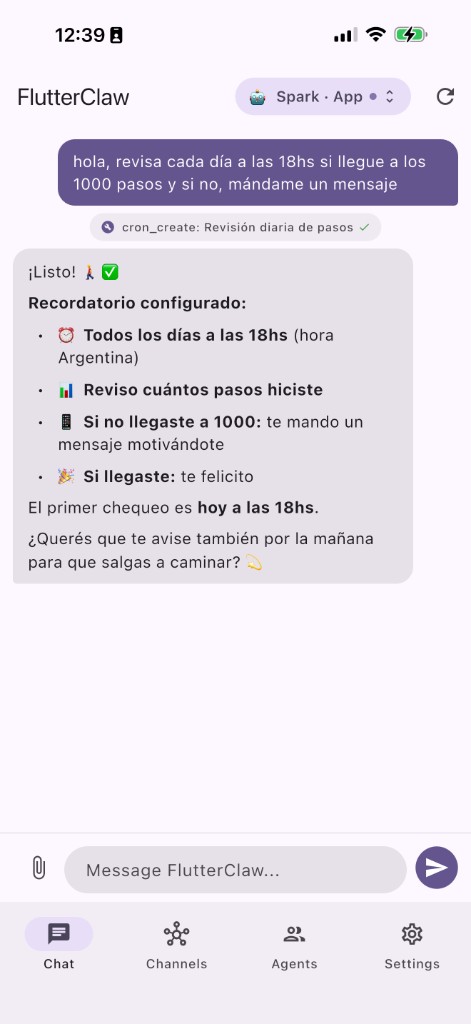
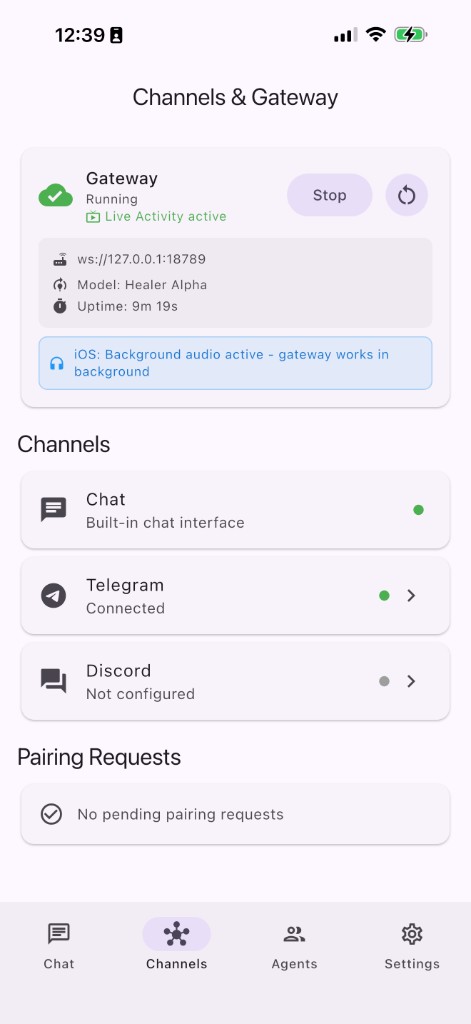
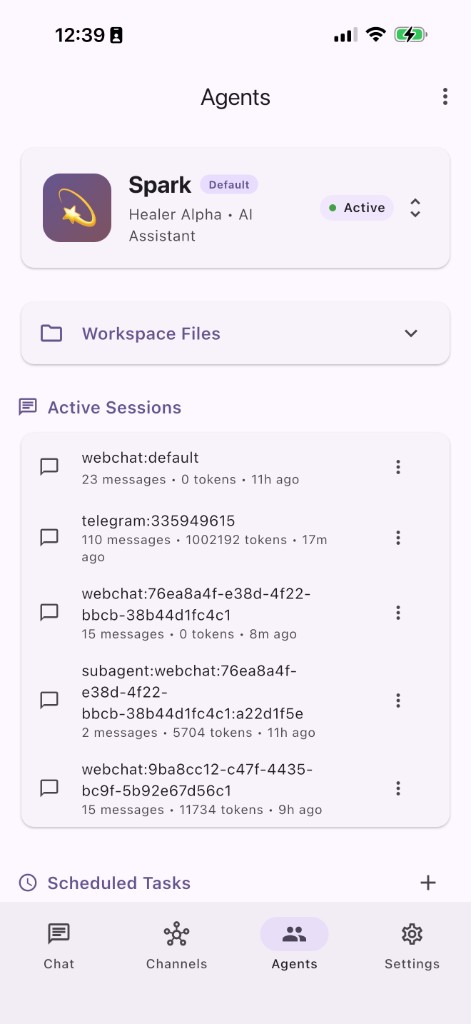
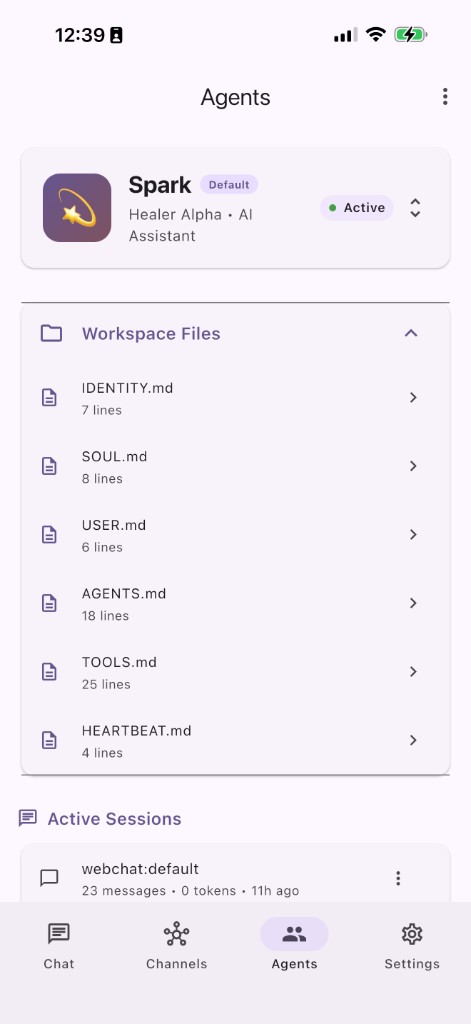
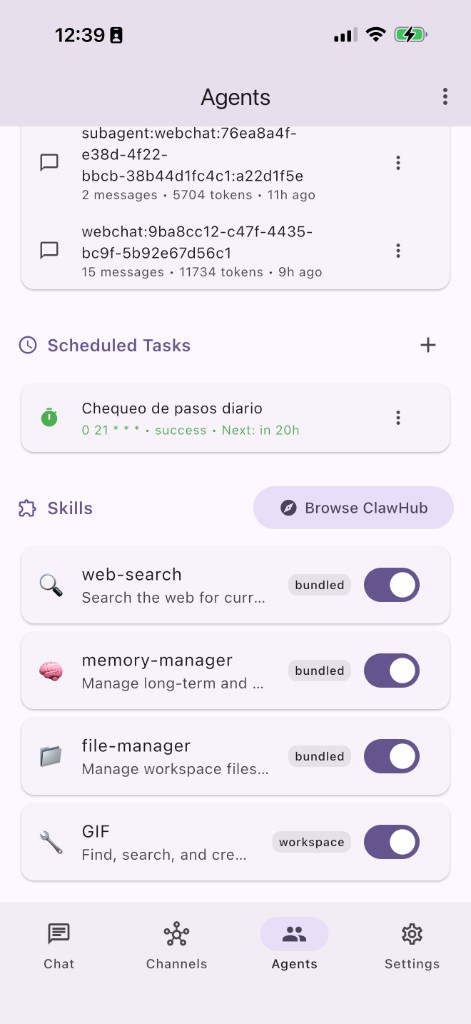
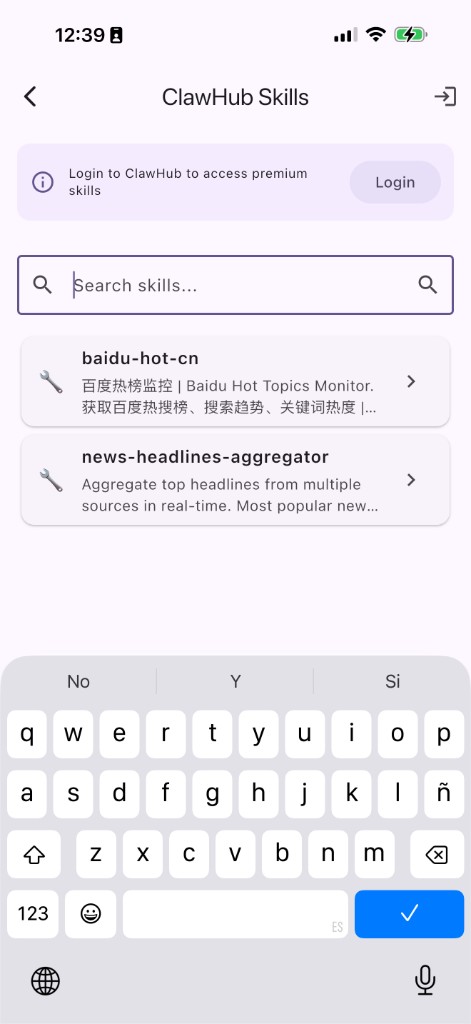
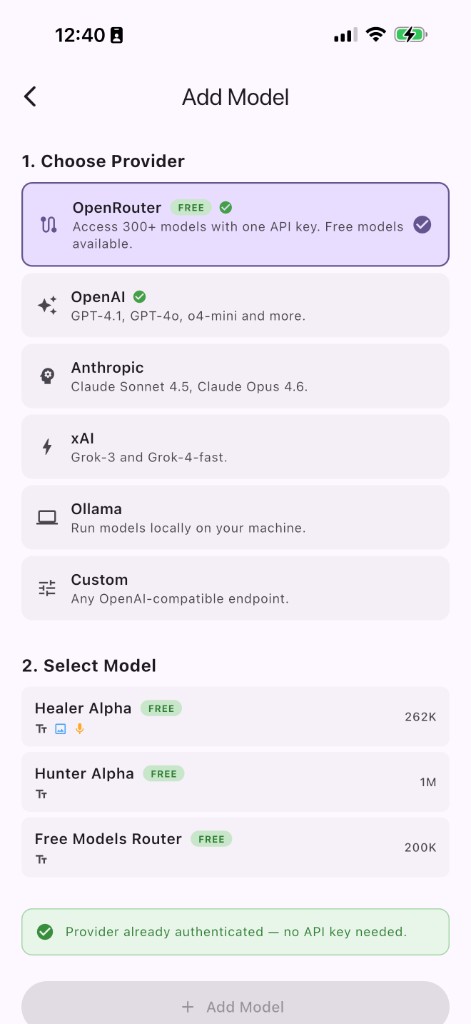
Background service (Android foreground, iOS background). Same WebSocket protocol and config format as OpenClaw. Embedded localhost server for external tools.
OpenAI, Anthropic, Groq, DeepSeek, Gemini, Zhipu, OpenRouter, Volcengine, Ollama, Qwen. OpenRouter stealth models (Healer Alpha, Hunter Alpha). Streaming responses and secure API key storage.
Create, switch, and delete agents with isolated workspaces. Profiles with name, emoji, model, and system prompt. Subagents, cross-session messaging, and ClawHub skills.
Telegram (long polling), Discord (WebSocket), built-in Chat. Per-channel DM policies and slash commands across adapters.
Health (steps, sleep, heart rate), camera, location, contacts, calendar, clipboard, notifications and reminders, background playback, iOS Shortcuts and Live Activities.
Heartbeat for periodic tasks from HEARTBEAT.md. Cron (5-field expressions), intervals, and one-shot scheduled tasks.
Get the app running in three steps. No magic, just copy-paste.
Install Flutter 3.22+ and run:
flutter doctor -vGrab the repo and jump in:
git clone https://github.com/flutterclaw/flutterclaw.git
cd flutterclawInstall deps and launch (device or emulator):
flutter pub get
flutter run